Neutra is a one-person project. Same person shooting the photos, answering the emails, and updating the preset.

Your iPhone photos, like a film still.
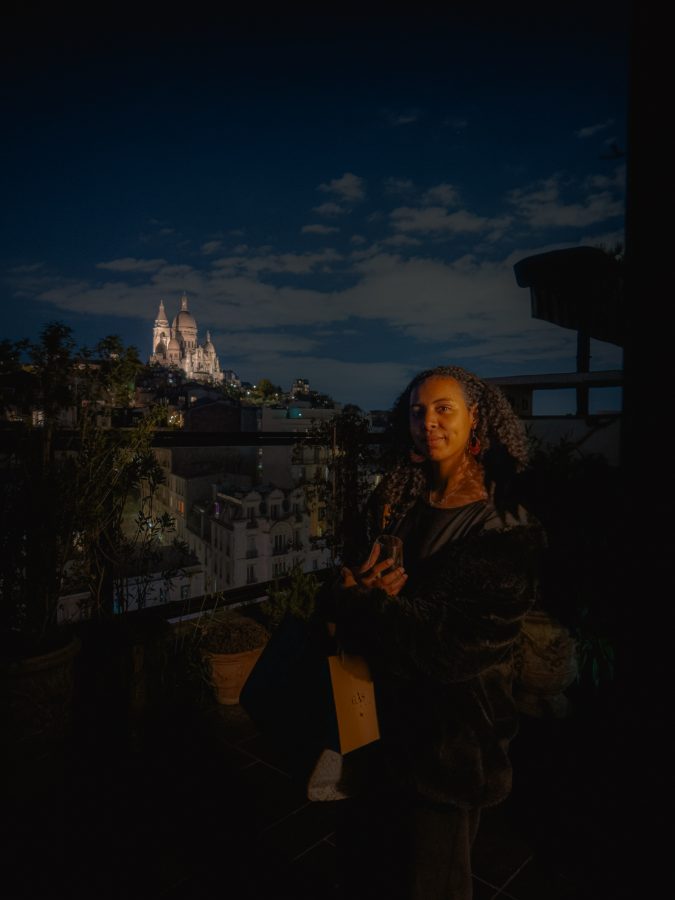
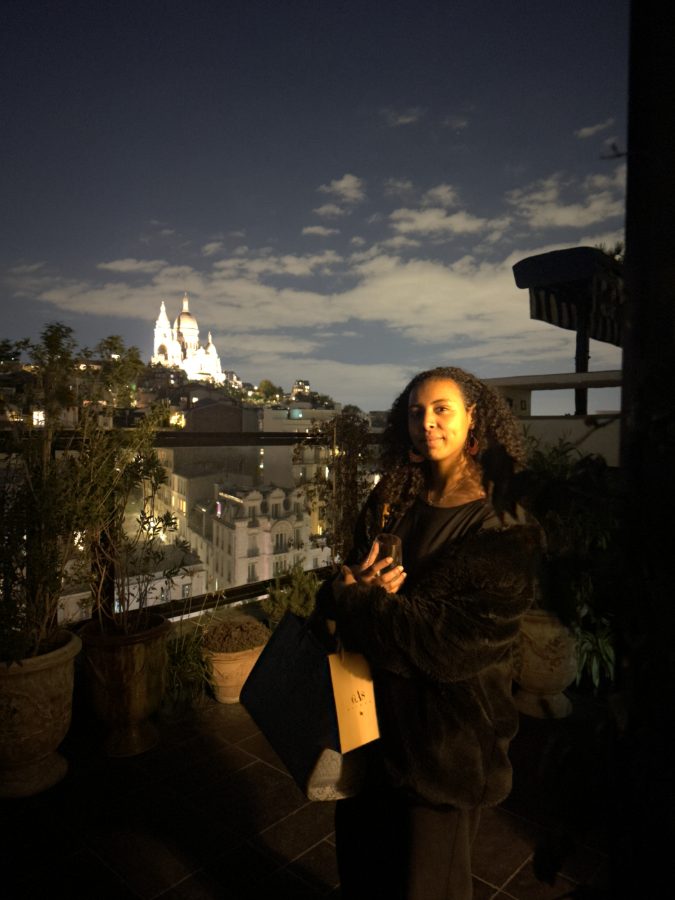
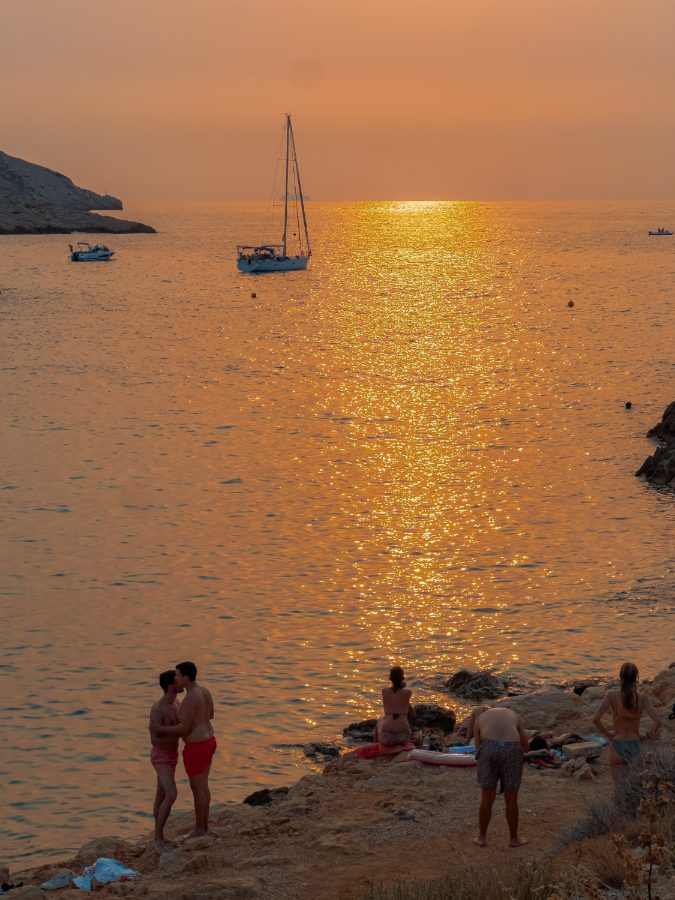
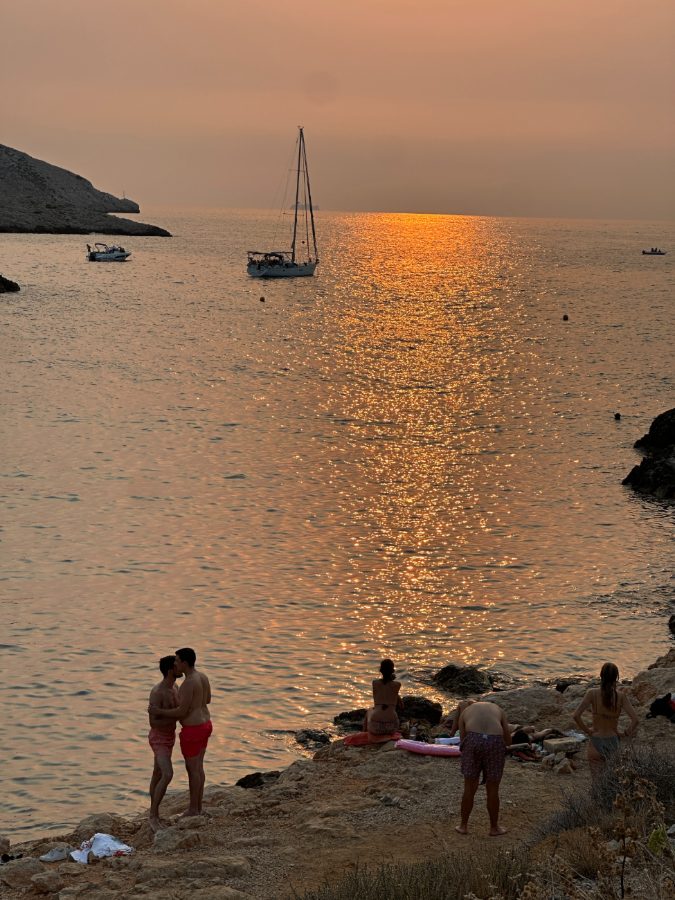
One tap in Lightroom turns a flat, lifeless RAW into this. Two seconds — not two hours.
Same photo. Same phone. One tap apart.
Every one is tagged with the lens it was shot on and which build was applied. Golden hour is the easy case — night streets and hard midday sun are where presets fall apart, so that's most of what's here. Drag any of them.
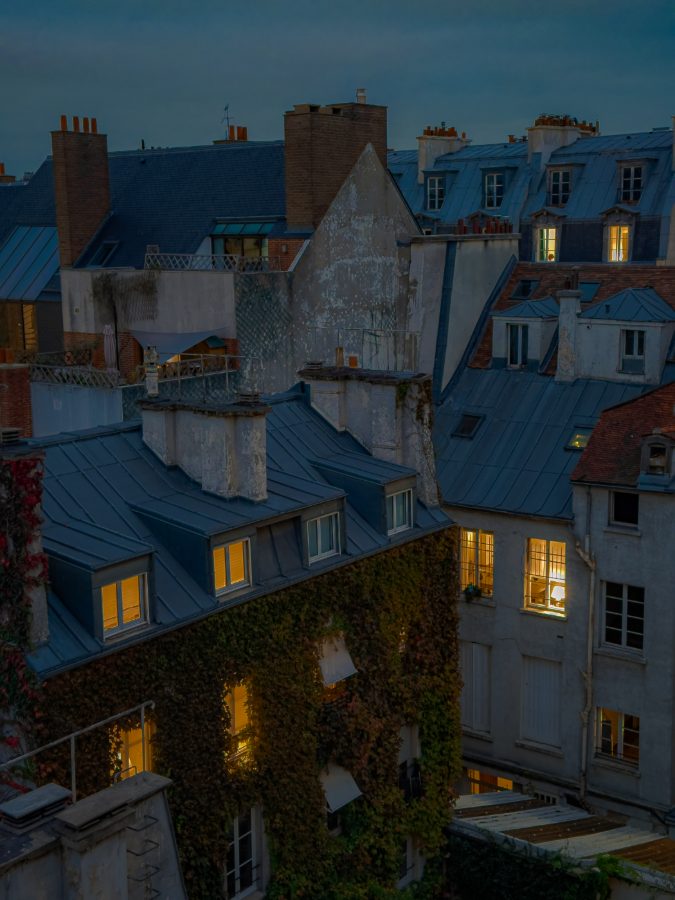
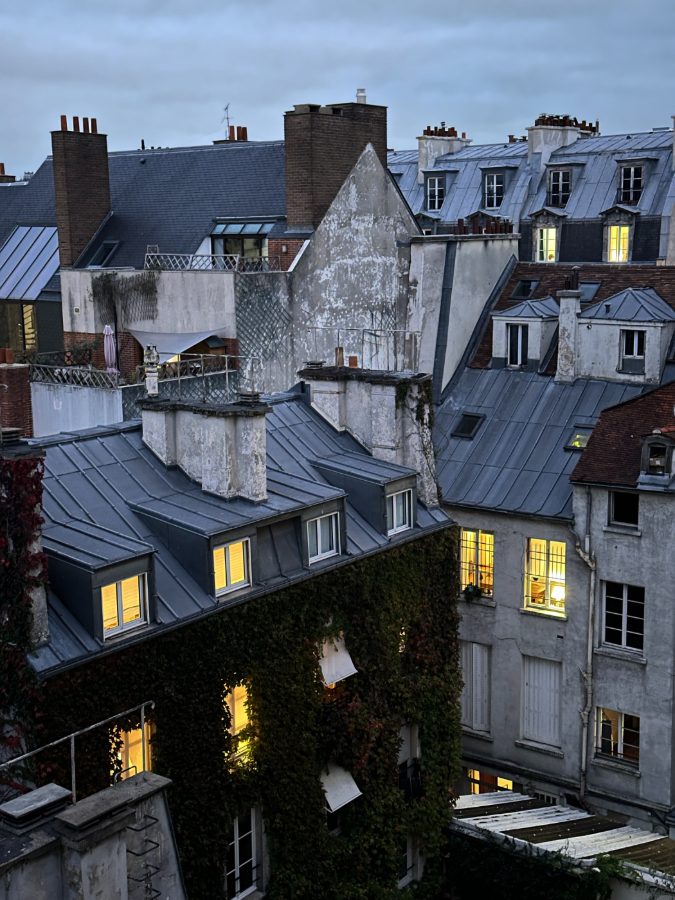
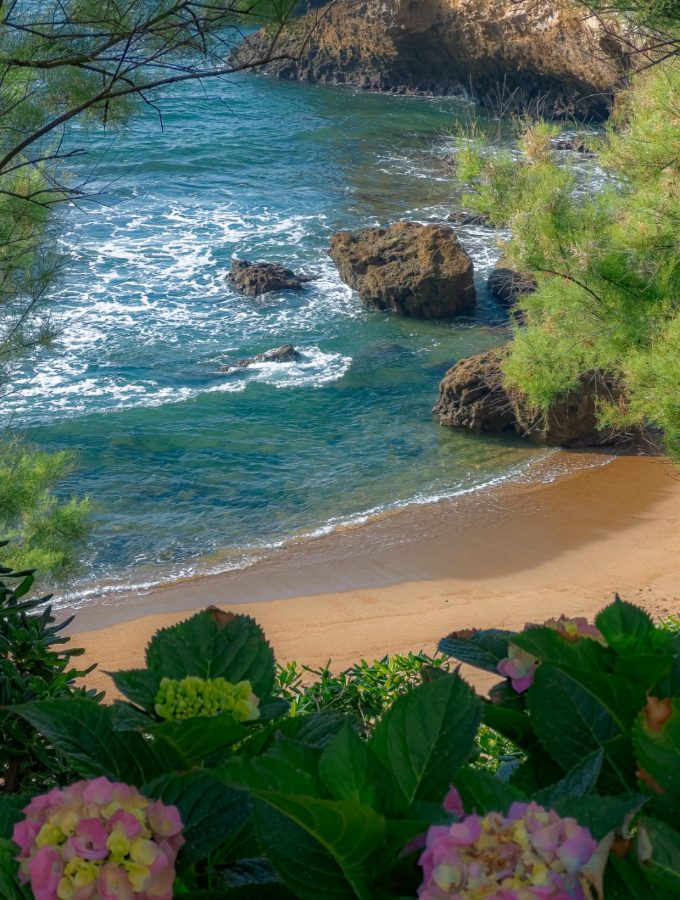
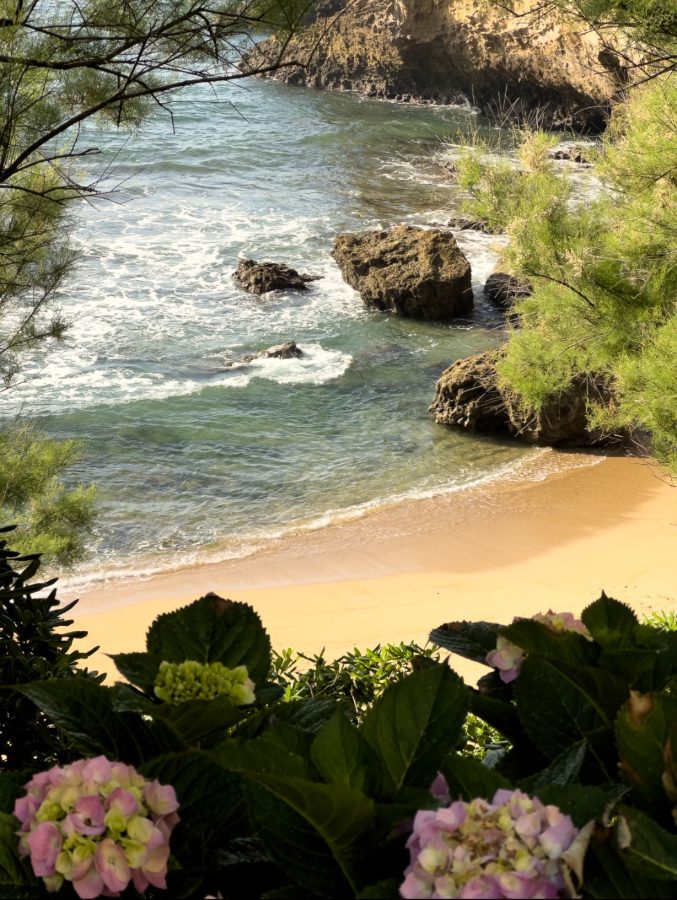
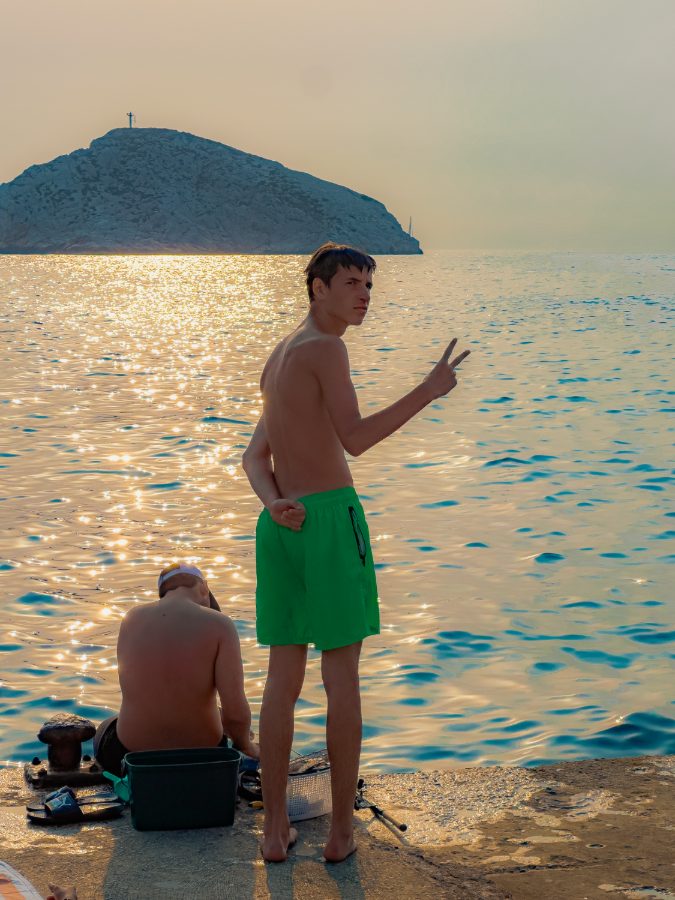
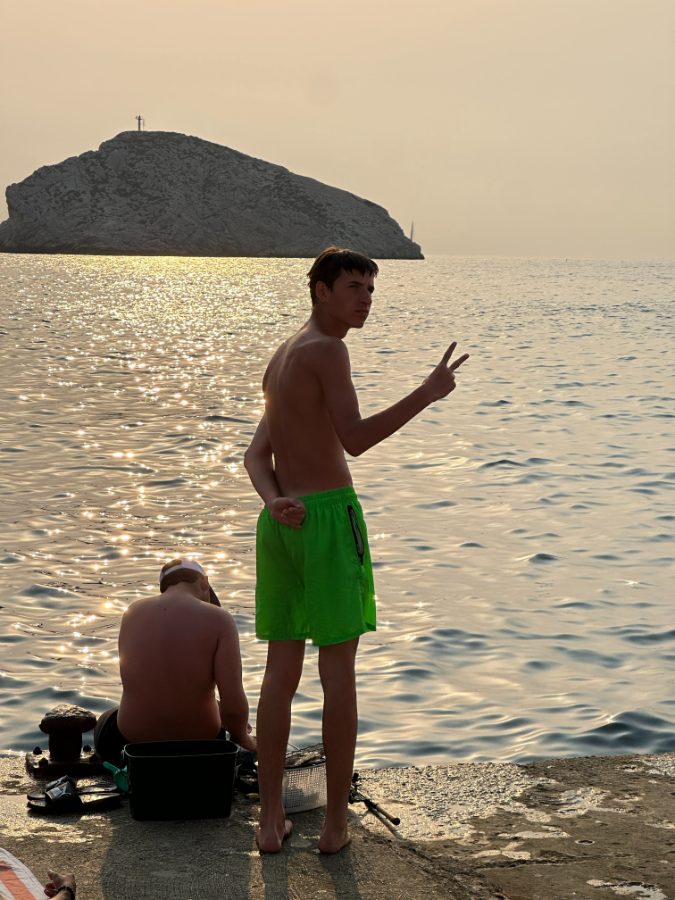
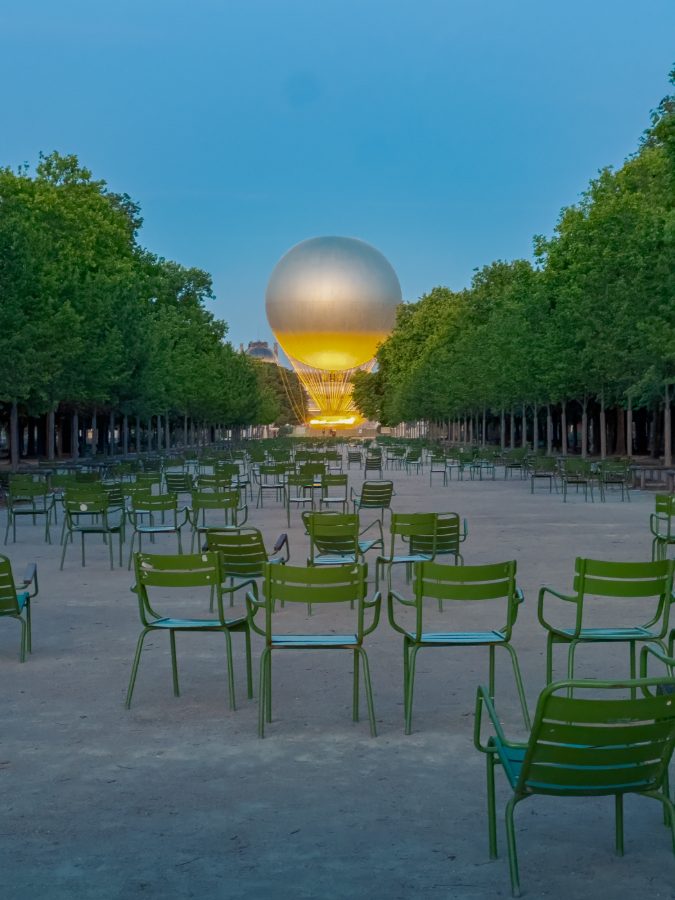
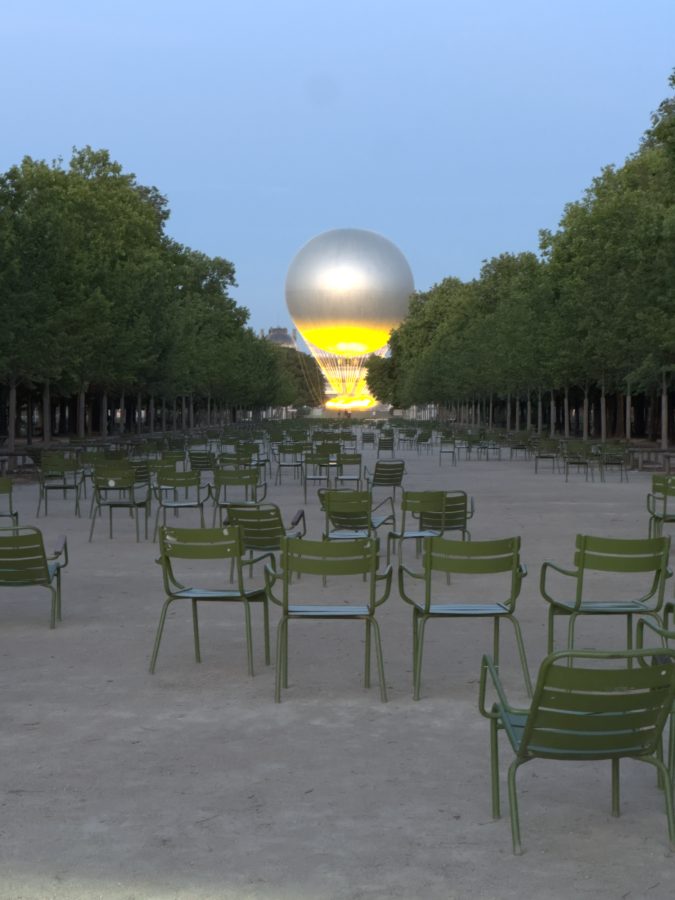
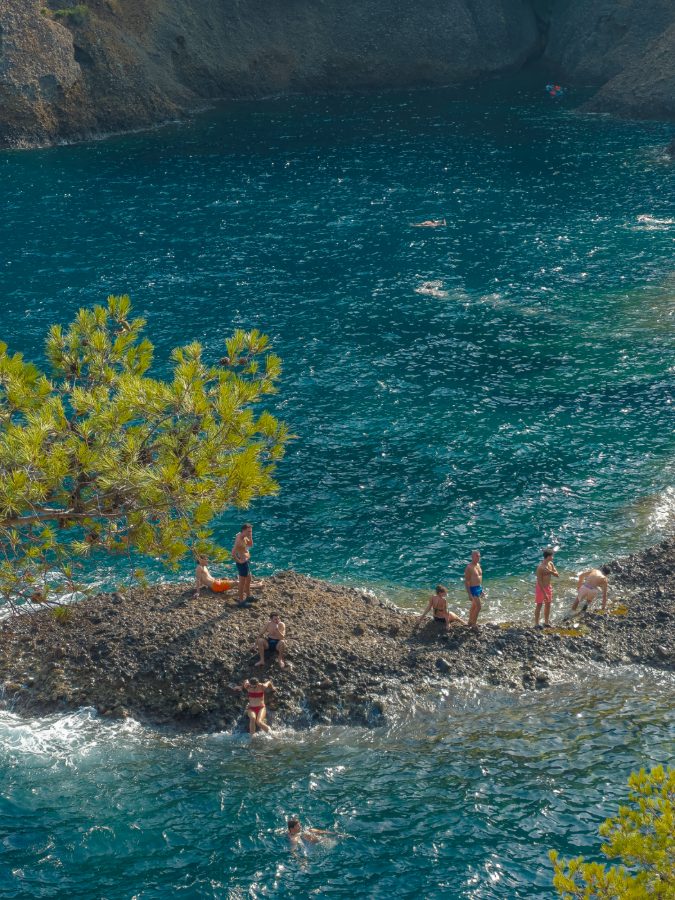
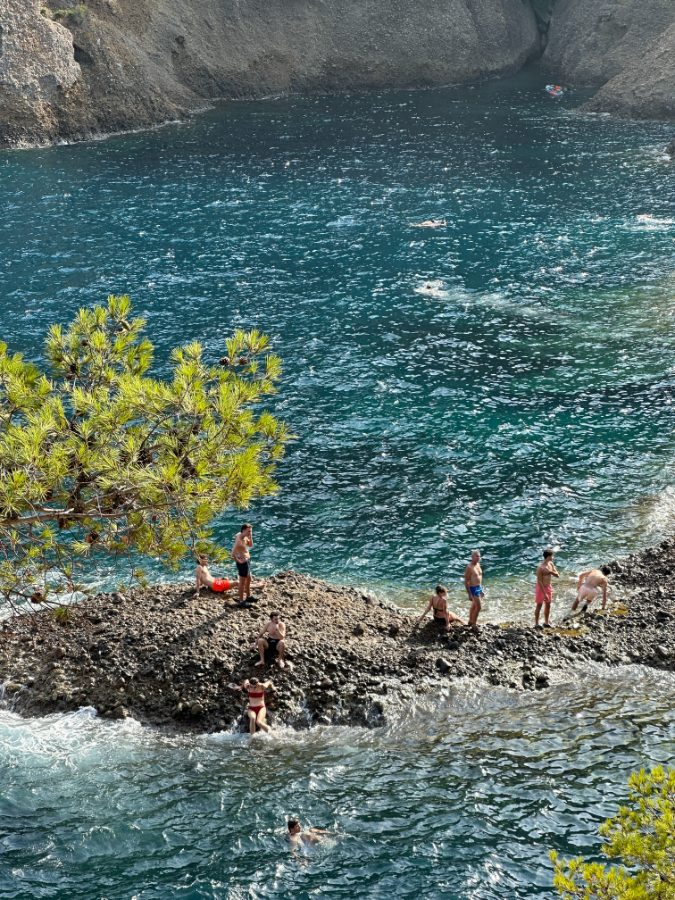
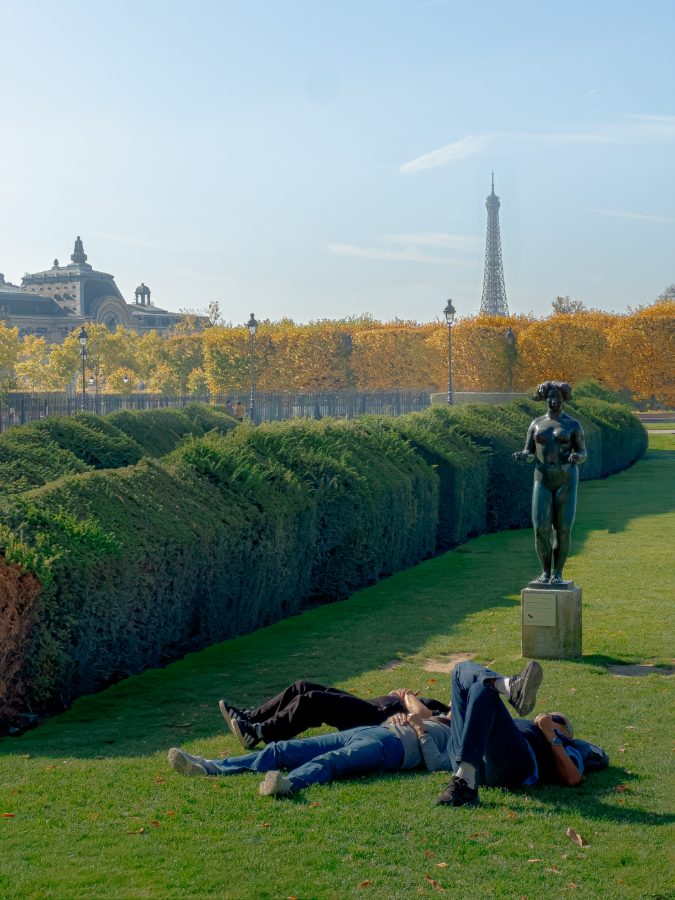
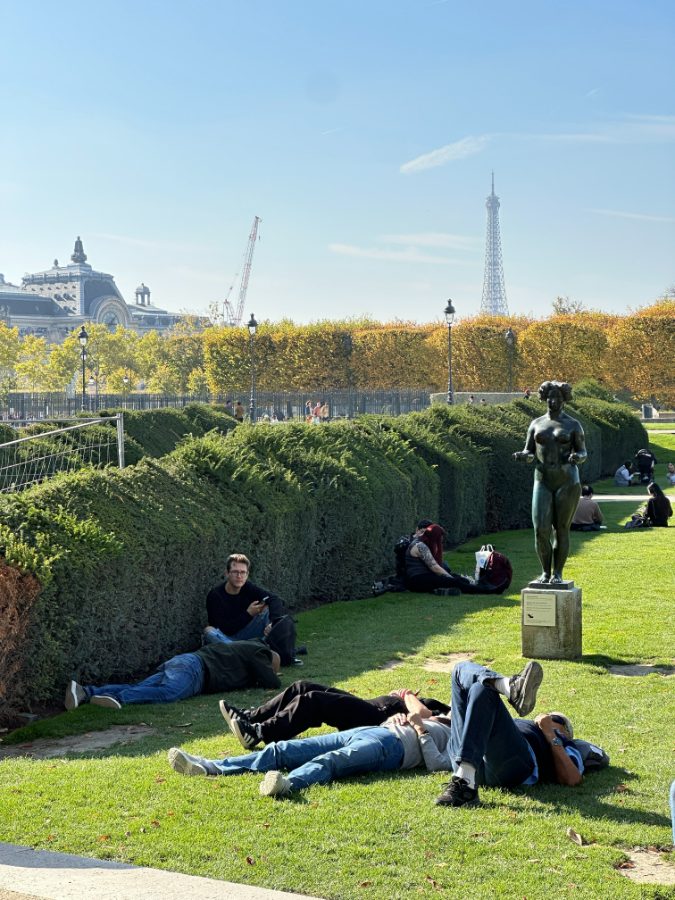
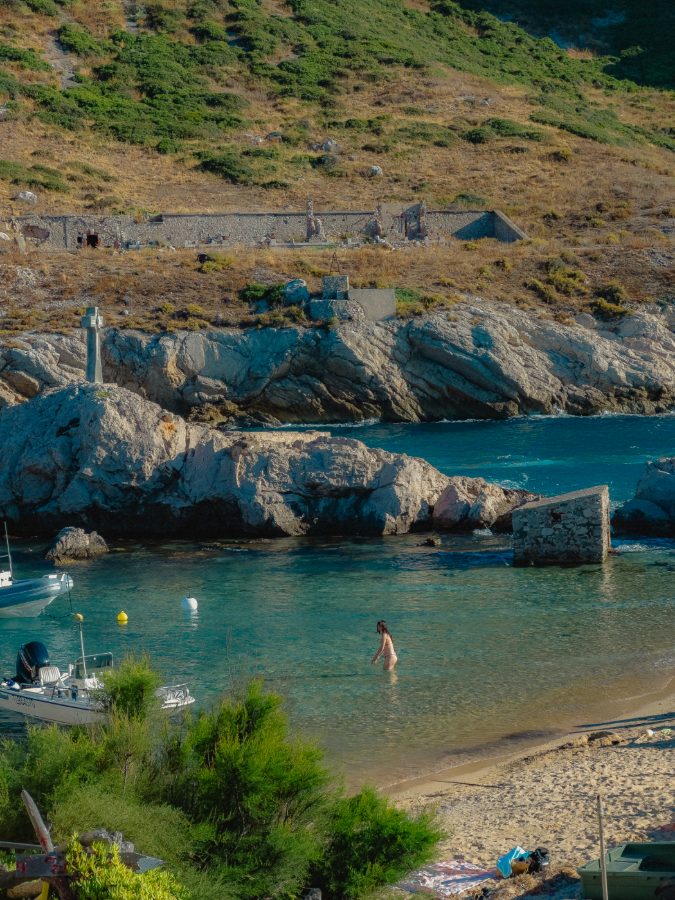
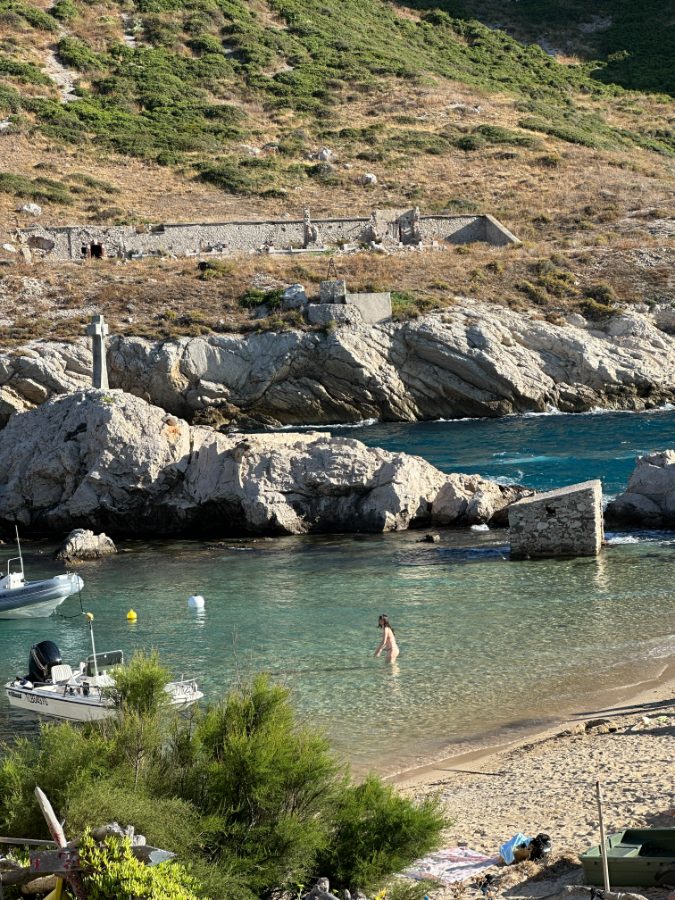
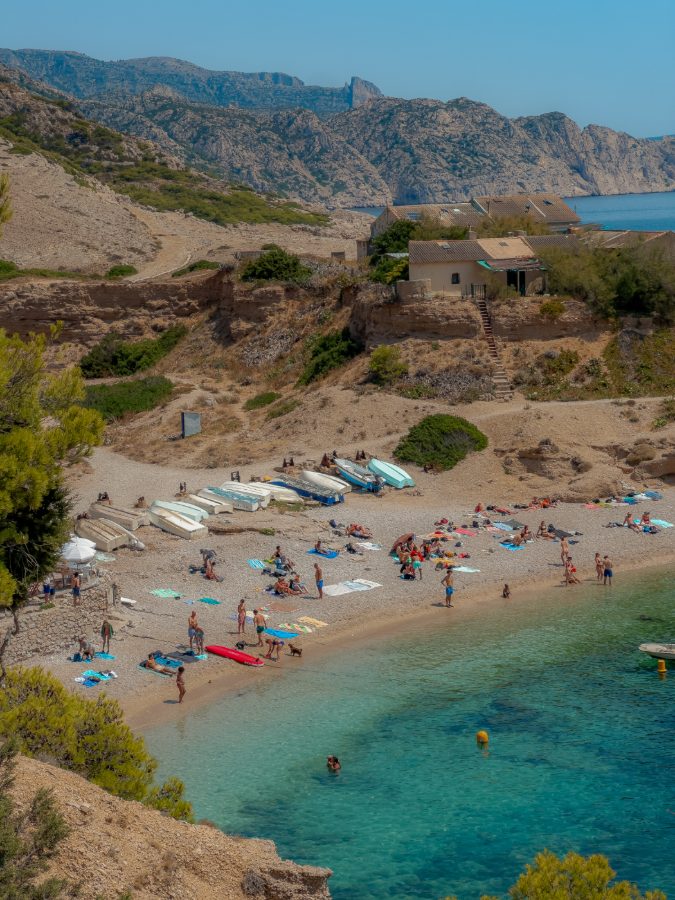
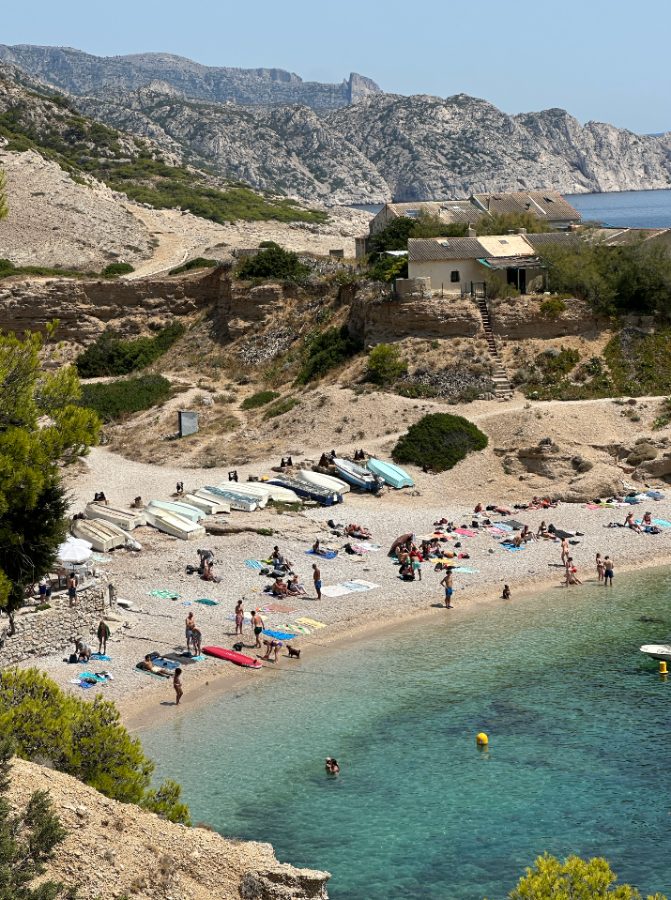
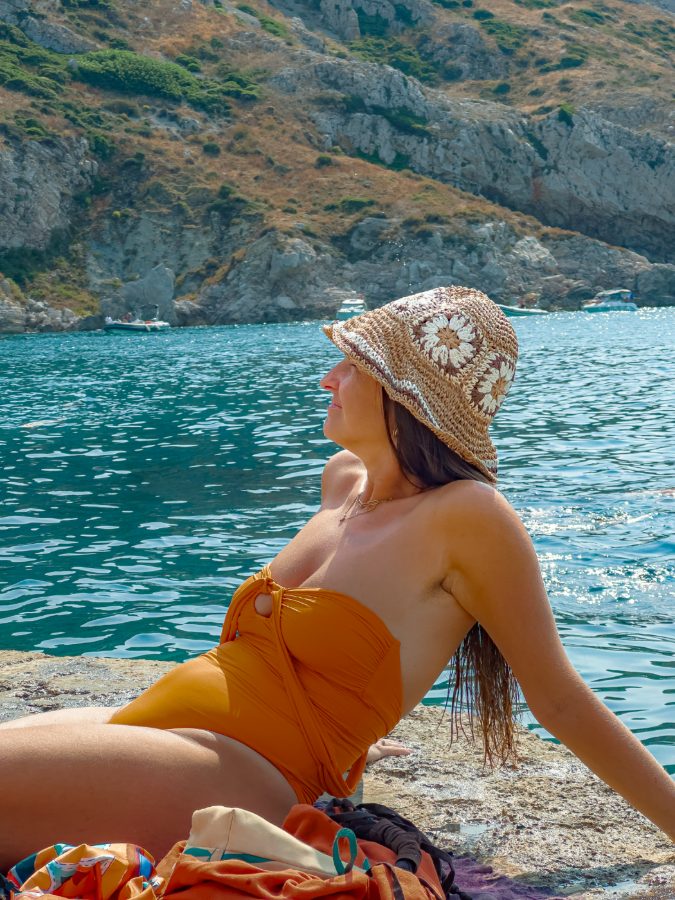
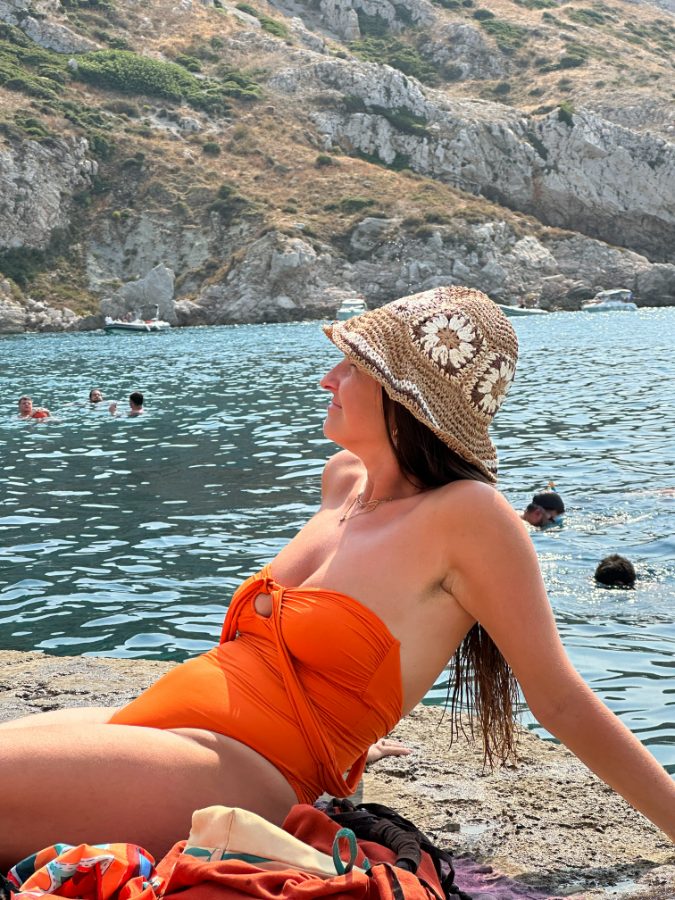

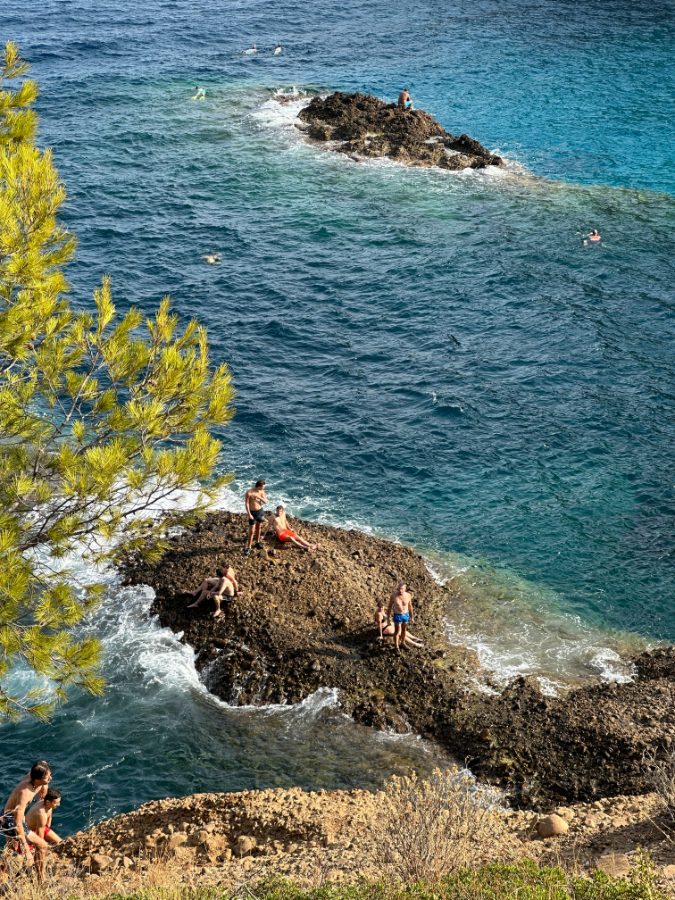
None of that took a computer, a studio, or a second app.
I keep getting the same comment.


This page is the answer.
I got tired of typing it out in the replies. Everything I do to a photo is in here.
You capture the perfect shot. Then Lightroom kills it.
The light was perfect. You open the file and it's flat, grey, lifeless. An hour later you're still dragging sliders — and somehow it looks worse than when you started.
So you buy a preset pack. It makes things worse. VSCO is too limited. Eventually you start to think the problem is you.
The problem was never you. It's the file.
ProRAW captures 12-bit color — 4,096 shades per channel, against 256 in a JPEG — and 14 stops of dynamic range. That's more information than most DSLRs. But Apple still bakes its own computational processing into the file before you ever open it, and that processing doesn't behave like a Canon or Nikon sensor.
Every preset you've tried was built for Canon or Nikon files. Running them on ProRAW is like running Android apps on an iPhone. Same idea, wrong architecture.
Neutra was built from zero on iPhone RAW files only. That single decision is the whole difference — and it leads somewhere most preset sellers would rather you didn't look.
"Autumn". "Summer". "Winter". It's one preset with the blue turned up.
Open a pack like that and compare the files. The difference between the seasons is a few degrees of temperature and a nudge of tint. That's it. Two sliders you already have, for free, in an app you already own.
And here's the part that gives it away: temperature and tint shouldn't be doing the creative work at all. Their job is to make white actually white. In my own workflow they sit at zero and stay there — I've never moved them to make a look. A pack sold on those two sliders isn't a look. It's a filter with a season written on it.
Nothing about a season changes how your file is built. The lens does. The light does. That's what I spent eighteen months mapping.
The main and the telephoto don't share a sensor and they don't render colour the same way — the telephoto shifts warm, compresses contrast and carries far more noise. Night files aren't dim day files either; Apple's processing behaves differently once the light drops. Four real cases. So there are four builds.
Four builds, not four moods. You pick by what you shot with, not by the month.
Every photo here was shot on an iPhone 14 Pro.
Not the newest model — a phone from 2022. No camera, no lenses, no lighting kit. If you've been telling yourself you need better gear, you don't. You need to know how the file works.


Three taps. That's the whole thing.
No sliders, no color theory, no YouTube rabbit hole.

Two years ago I was spending three hours on a single photo and it still came out flat. I burned over $500 on preset packs. Not one of them worked on iPhone RAW.
Then it clicked: I was using DSLR tools on a file that has nothing to do with a DSLR. I spent the next 18 months reverse-engineering iPhone ProRAW — over a thousand photos, one file type, obsessively.
I lost two years and $500 working this out. You get the shortcut for the price of a lunch.
Go look at the account. Two years of iPhone photos, the comments under them, and me answering questions in the replies. It's all public.
Look at @charlieadtEverything lands in one download.
Neutra isn't for everyone.
Take one lens, or take the system.
Both are one payment, yours for good. The difference is how much of your camera you want covered.
It's a digital file, so I can't take it back once it's downloaded — no refunds, and I'd rather say that upfront than hide it in the small print. So here's the fair version: grab the free settings guide below first. It's the actual thinking behind the preset. If it doesn't convince you I know this file inside out, don't buy anything.
Questions I get a lot
Will it work on my iPhone?+
If you have an iPhone 12 Pro or newer, yes. Quick check: Settings → Camera. If you can switch on Apple ProRAW, you are good. iPhone 11 and older do not have it, and the preset will not do what it is meant to.
Do I need to pay for Lightroom?+
No. The free Lightroom app on iPhone is enough. No Adobe subscription needed.
How is this different from VSCO?+
VSCO only works inside its own app, on an already-processed photo. This works on the RAW file in Lightroom, where the actual data still exists — and it is tuned for how Apple builds that file specifically.
I have bought presets before and they were useless.+
Same. I spent $500 on packs that did nothing on my photos, which is the only reason this exists. I am not going to ask you to trust me — read the free settings guide below. If it does not teach you something you did not know about your own camera, nothing I say here matters.
Is there a limit on how many photos?+
It is for your own photos — a personal licence, unlimited photos, for as long as you like.
I am not technical at all.+
The install guide has a screenshot for every single step. If you still get stuck, email me and I will walk you through it — I answer within a couple of days.
Start with the settings.
A preset system for iPhone ProRAW, made by one person — @charlieadt. No agency, no drop-shipped bundle.
© 2026 Neutra · Charlie Ant
Personal licence included with every purchase.